

Elements
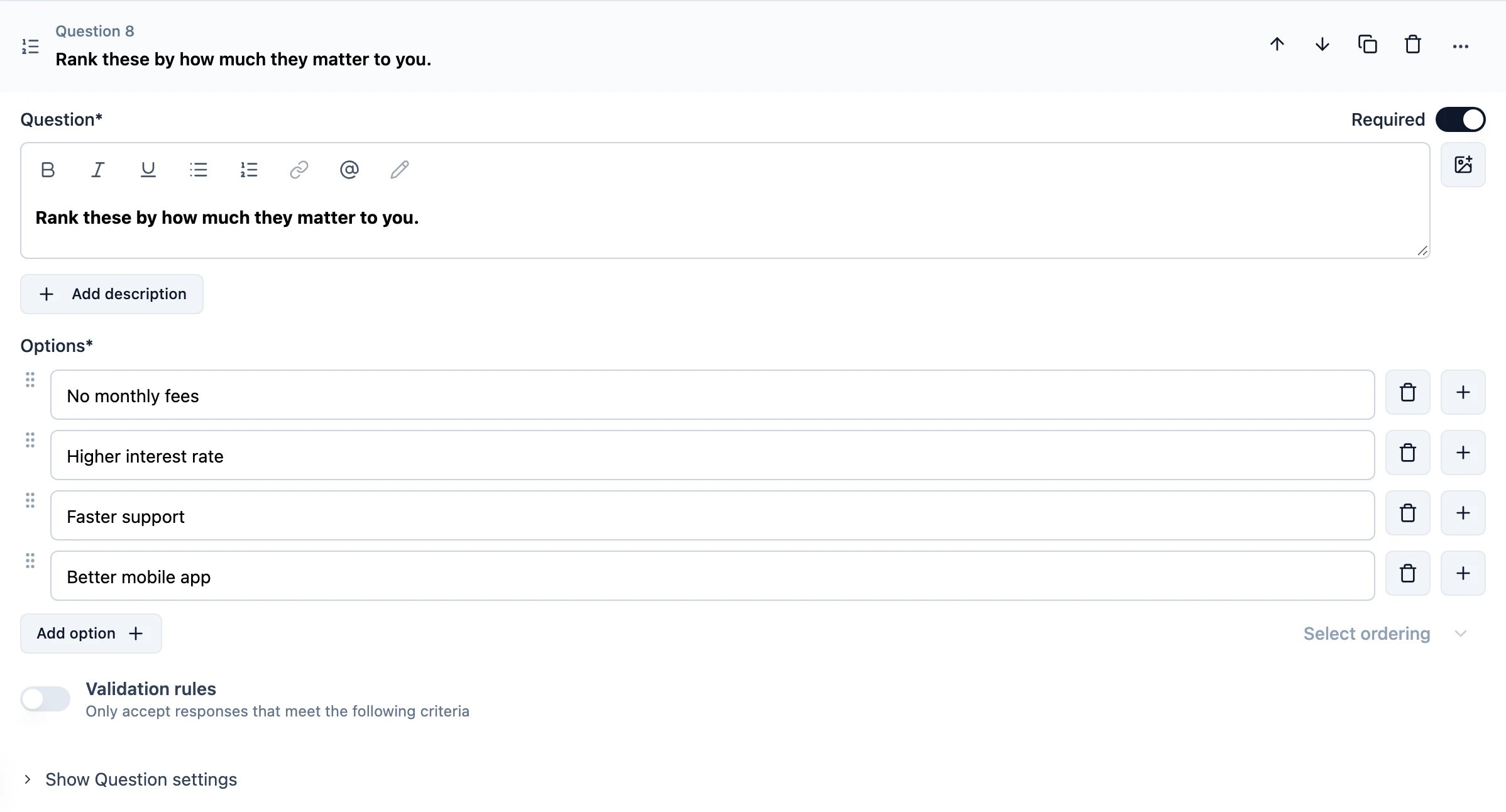
Title
Add a clear title to inform the respondent what information you are asking for.Description
Provide an optional description with further instructions.Options
You need to add at least two options so that users can rearrange them in numerical order based on their selection.- Add “Other”: Adds an “Other” option so respondents can rank an answer that is not on the list. This shows two inputs, one for the label text and one for the placeholder. When a respondent ranks “Other”, a text field appears inside it, and they must fill it in before continuing. Their text is saved in the position they ranked it, and the summary lists every text entered for “Other”.
Select ordering
- Keep current order: This will keep the order of options the same for all respondents.
- Randomize all: This will randomize the options for each respondent.